



 Analysis by Gamescozy
I like Melon Sandbox best when I treat it as a digital playroom rather than a game with a fixed route to the finish. It is a simulation game from playducky.com, built around experimenting with a sandbox and seeing what happens when I set up a scene. That open-ended style makes it easy to pick up for a short break, but it also means the fun depends on how much I enjoy inventing my own challenges. If I want clear missions, a guided story, or a steady stream of goals, this probably is not the right fit.
How it feels to play, and what to expect from its pace
The first thing I notice is how little ceremony there is between opening the game and getting into its creative side. There is no need to settle into a long narrative before I can start experimenting. I can think of a small setup, try it, and change direction when the result is not what I expected. That quick loop is the game’s strongest answer to the question of speed: it is suited to short, self-directed sessions rather than a long campaign that demands uninterrupted attention.
That flexibility comes with a trade-off. A sandbox does not automatically tell me what to do next, so I have to supply the idea. On a busy day, I might only have the energy to try one small scene; when I have more time, I can build a more elaborate chain of experiments. I find it helpful to decide on a simple objective before I start, such as testing one interaction or arranging a short sequence. That keeps the open format from turning into aimless tapping.
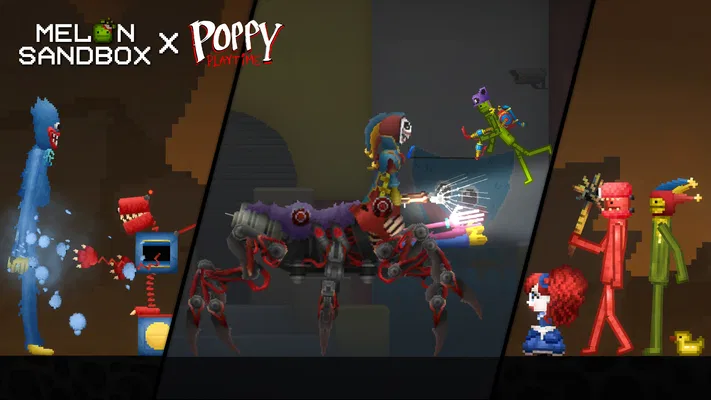
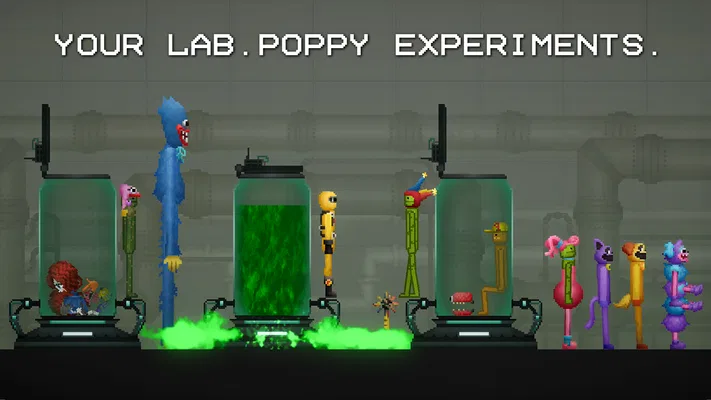
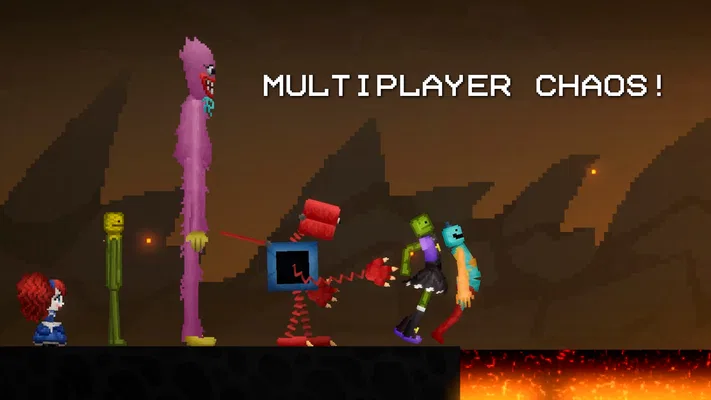
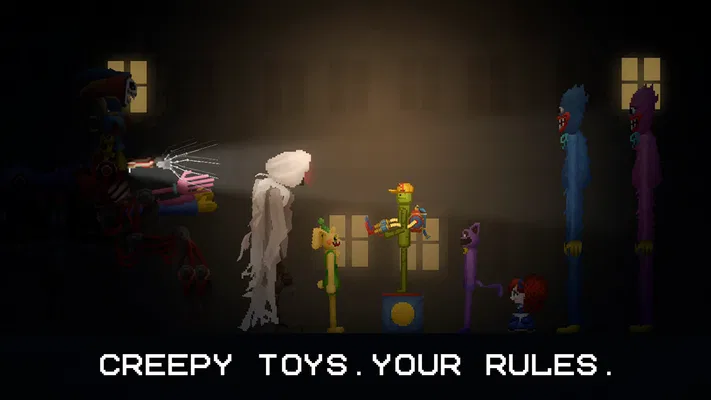
The game’s Halloween collaboration with Poppy Playtime™ adds a seasonal flavor to its creative appeal, with exclusive mods tied to that event. I see this as a reason to explore the game’s themed content, not as a promise that the whole experience becomes a conventional horror campaign. Players who want a story-led Poppy Playtime adventure should keep that distinction in mind: the attraction here is the sandbox format and its themed additions, not a replacement for a dedicated narrative game.
Melon Sandbox is free to install, which lowers the barrier to trying it, but optional in-app purchases range from $0.49 to $259.99 per item. I would check the purchase prompts carefully, especially if a younger player is using the device. The game carries a Teen content rating, so it is also worth considering whether its tone and sandbox play suit the person who will be playing, rather than relying on the word “sandbox” to mean universally child-friendly.
Why the open format suits some players better than others
Compared with a typical mobile simulation game that asks me to manage a business, build toward a prescribed target, or complete a list of tasks, this one puts more weight on improvisation. There is less pressure to follow a correct order, but also less built-in direction. That makes it a good choice for players who like testing possibilities and making their own entertainment. If I prefer visible progress bars and clear rewards for every session, a more structured simulator will probably feel more satisfying.
One useful habit is to treat each session as a small experiment rather than trying to create a perfect scene in one go. I can begin with a simple arrangement, see what happens, and then adjust one part at a time. This makes the game easier to understand and gives me a reason to return to an idea without needing to remember a complicated plan. It is a practical way to get more from an open sandbox, especially when I am playing in short bursts.
When a session gets busy
Sandbox play can become demanding when I pile several interactions and objects into one scene. I would not assume every setup will feel equally smooth on every device: complexity, available memory, and the phone or tablet itself can all affect how responsive a game feels. I have no reason to promise a particular frame rate or claim that a specific device will handle every scene perfectly. The sensible approach is to add complexity gradually, watch how the game responds, and simplify the setup if controls begin to feel less immediate.
This gradual approach is more than a performance precaution; it also makes experiments easier to interpret. If I change several things at once, it becomes harder to tell what caused an unexpected result. Testing one addition at a time helps me learn the sandbox and can avoid creating a scene that is both hard to manage and difficult to troubleshoot. For anyone who enjoys building elaborate scenarios, patience is more useful than trying to make the biggest setup immediately.
For everyday use, I would keep a session modest when playing on an older or entry-level device. Closing other demanding apps before starting may help free up resources, though it cannot guarantee a particular outcome. If the game becomes sluggish, reducing the complexity of the current experiment is a more practical first move than assuming the whole app is broken. The same advice applies when a device is warm or low on battery: a lighter session is less frustrating than pushing a complicated setup and expecting the phone to remain responsive.
Reliability, interruptions, and getting back to play
With an open-ended game, reliability matters partly because a player may spend time shaping a scene rather than simply finishing a quick level. I would avoid treating any mobile sandbox as a guaranteed place to preserve every experiment perfectly through interruptions. Before leaving a setup I especially like, I would look for any available way within the game to retain or revisit it, and I would avoid closing the app abruptly while it is busy. Those are sensible habits, not a claim about a particular save or recovery feature.
If the app stalls or closes unexpectedly, I would first reopen it and check what remains available before rebuilding anything. If a problem repeats, simplifying the scene and restarting the app are reasonable troubleshooting steps. I would also keep the game updated when an update is offered, while remembering that a newer version cannot guarantee a fix for every device-specific issue. This is a straightforward recovery mindset: protect the time spent on a favorite setup where possible, and make smaller experiments when stability is uncertain.
The current version is 38.666, and the game requires Android 7.1 or later. Those details help with basic compatibility decisions, but meeting the minimum operating-system requirement does not by itself tell me how smoothly a particular phone will run a demanding scene. For iOS users, I would check the relevant app store for device compatibility before installing. In either case, the hardware and the complexity of the session matter more than a version number alone when judging how responsive a sandbox will feel.
Who I would recommend it to
I would recommend Melon Sandbox to players who enjoy testing ideas without being told what the final result should be. It is especially appealing if you like making small scenarios, changing one variable, and seeing how the scene develops. It can also work well as a casual game to open between other activities because it does not ask me to commit to a long story before I can play. The key is being comfortable with self-made goals.
I would be more cautious about recommending it to someone who wants a polished progression loop, carefully paced levels, or a simulation focused on realistic management. A physics-oriented sandbox and a conventional life, city, or business simulator satisfy different moods. If your favorite part of simulation games is optimizing resources toward a defined end, another title with explicit objectives may be a better match. Here, freedom is the point, but freedom can feel like a lack of direction if that is not what you want.
It also suits players who enjoy returning to a scene and improving it instead of aiming to “complete” the game. A useful everyday scenario is a short evening break: I can choose one modest experiment, spend a few minutes trying variations, then stop when the idea has run its course. That makes the game easier to fit around real life than a long session built around timed commitments. For someone who tends to lose track of time in open-ended games, setting a simple stopping point in advance is a good idea.
What the community response tells me—and what it cannot
The game has an average rating of 4.7 from around 1.4 million ratings, with roughly 55,000 written reviews and over 100 million installs. That scale suggests it has broad appeal, but popularity is not a substitute for knowing whether its particular style suits you. I would read player feedback with the same question in mind: are people praising the freedom and experimentation, or are they looking for the structure that this kind of game does not center?
Its free entry point makes trying it relatively low-commitment, although purchases are worth keeping in view. I would not treat optional spending as necessary to enjoy a sandbox unless I had first explored what is available without buying anything. For a shared family device, I would review purchase settings and discuss spending expectations in advance. That is especially sensible for a game with a Teen rating and a wide range of per-item purchase prices.
My performance verdict
For me, the most honest performance expectation is conditional: simple, brief experiments are the sensible starting point, while crowded or complicated scenes are the moments most likely to test a device. I would not choose this game on the promise of flawless speed across all phones, and I would not judge it only by one unusually heavy setup. Start small, add complexity deliberately, and keep sessions manageable if your device is older or already under load.
As a free simulation game with a large audience, Melon Sandbox is worth trying if your idea of fun is making your own experiments rather than chasing a checklist. Its biggest strength is the room it leaves for personal ideas; its main limitation is the same openness, which can leave goal-oriented players unsure what to do next. The Halloween collaboration gives the sandbox a distinctive themed angle, but the core appeal remains hands-on improvisation. I would recommend it to curious, patient players—and suggest a more structured simulator to anyone who wants clear objectives, predictable progression, or a calmer management-focused experience.